
AI for Maintenance Technicians: A Practical Guide
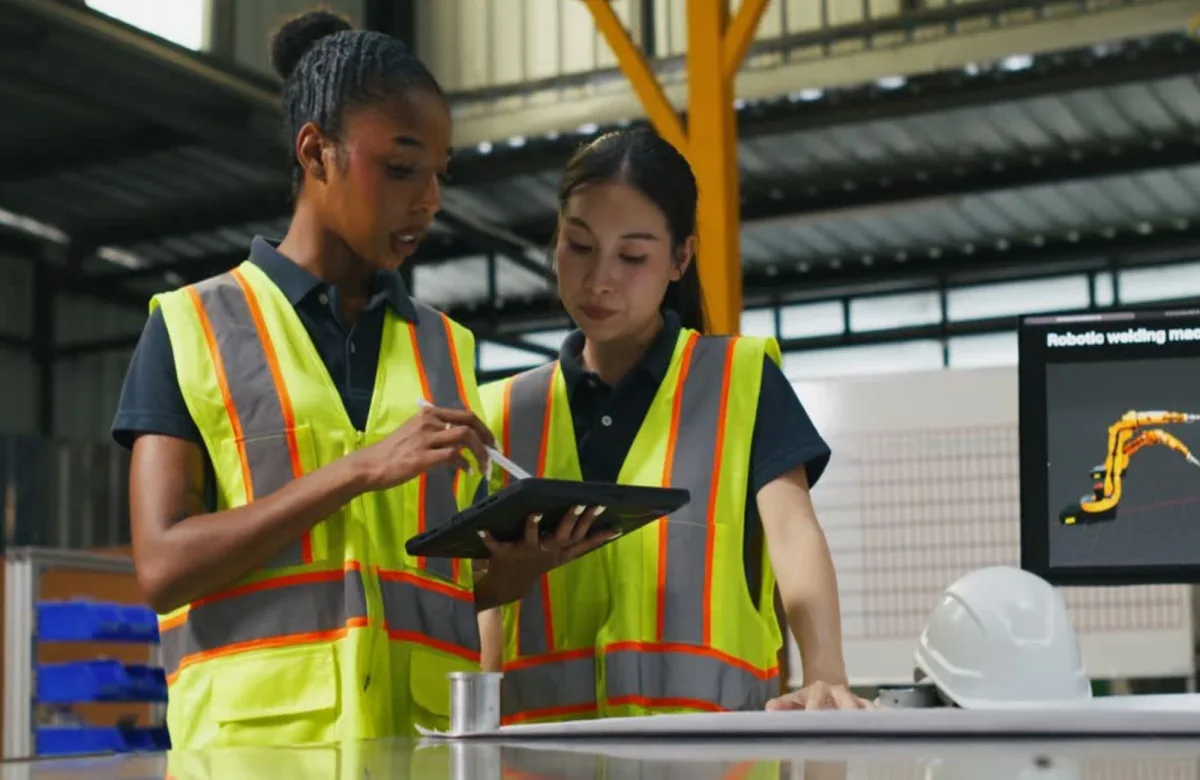
AI for maintenance technicians includes tools that help interpret equipment data, support troubleshooting, inspect assets, document work, and identify possible failures earlier. Common examples include predictive maintenance dashboards, AI-assisted troubleshooting applications, and computer vision inspection systems. These tools can support day-to-day maintenance work, but technicians still need to verify conditions and follow approved safety procedures.
This guide explains how maintenance teams use AI today, what technicians need to know to work with these tools, and how L&D and operations leaders can prepare their workforce. Organizations can prepare their maintenance teams for AI through role-based training tied to real maintenance work.
What Does AI Mean in Industrial Maintenance?
AI in maintenance refers to software that analyzes equipment and maintenance data to identify patterns, generate recommendations, or produce useful content. Depending on the application, it can analyze vibration, temperature, current, pressure, work orders, alarm logs, manuals, photographs, and technician notes. Common applications include machine learning for predictive maintenance, computer vision for inspection, and generative AI for documentation and troubleshooting support.
For a broader look at how these technologies are being used across industrial operations, see AI in Manufacturing: What Maintenance Teams Need to Know.
What AI Tools Do Maintenance Technicians Use Today?
Maintenance technicians currently use AI through predictive maintenance dashboards, troubleshooting assistants, computer vision systems, generative AI tools, and AI-enabled CMMS platforms. Each application supports a different task, but its output still requires review against equipment conditions, technical documents, measurements, and site procedures.
| AI Application | What the Technician Sees | Practical Use | Required Human Check |
|---|---|---|---|
| Predictive maintenance dashboard | Asset-health score, trend, or alert | Prioritize inspections and planned repairs | Confirm the condition with approved tests and inspection |
| AI-assisted troubleshooting app | Suggested causes and diagnostic sequence | Organize fault-finding for a pump, motor, control loop, or HVAC system | Compare guidance with schematics, manuals, measurements, and site procedures |
| Computer vision inspection | Flagged defect or abnormal image region | Screen for corrosion, leaks, surface damage, missing parts, or product defects | Inspect the asset and confirm that the image is complete and current |
| Generative AI assistant | Summary, checklist, or draft report | Review manuals, prepare job plans, and improve maintenance reporting | Verify every technical statement before use |
| AI-enabled CMMS | Repeated faults, backlog patterns, or work-order recommendations | Improve scheduling, parts planning, and failure analysis | Check the asset hierarchy, failure codes, and maintenance data quality |
Predictive Maintenance Dashboards
An AI-enabled predictive maintenance system analyzes machine data to identify patterns that may precede equipment failure. A model might detect a change in a motor’s vibration pattern or a gradual rise in bearing temperature. The dashboard flags the asset for review so the team can inspect it and, when justified, schedule repairs before costly downtime occurs.
The U.S. Department of Energy describes predictive maintenance as a condition-based approach that uses monitoring technologies to identify developing equipment problems. This differs from preventive maintenance, which schedules work at fixed intervals, and reactive maintenance, which begins after equipment failure.
An alert does not necessarily mean a component is failing. Changes in load, faulty sensors, recent maintenance, or a different operating mode can affect the readings. Technicians should review the operating conditions, confirm that the sensor data is reliable, and use the appropriate condition-monitoring method before deciding whether the equipment needs repair.
AI-Assisted Troubleshooting
Troubleshooting assistants can search manuals, prior work orders, fault codes, and approved procedures. A technician might enter: “Conveyor motor trips after ten minutes; current rises as the gearbox warms.” The system could organize possible causes and request evidence such as motor current per phase, gearbox temperature, mechanical load, and protective-device status.
The technician should treat the response as a hypothesis list and test one possibility at a time with approved instruments and a logical troubleshooting process. AI output cannot replace lockout/tagout, energized-work controls, machine guarding, permits, or qualification requirements. OSHA’s control of hazardous energy standard applies to covered servicing and maintenance where unexpected energization, startup, or release of stored energy could cause injury.
Computer Vision Inspection
Computer vision systems evaluate images against learned examples or defined acceptance criteria. They may flag a missing fastener, surface defect, corrosion, leak, incorrect assembly, or abnormal thermal pattern. Fixed cameras can inspect production continuously, while mobile devices can help technicians document asset conditions during inspection routes.
Lighting, viewing angle, dirt, reflections, camera resolution, and an incomplete training set can affect the result. Someone who understands the asset, failure mode, and applicable inspection criteria must review every flagged image.
Documentation, Knowledge, and CMMS Support
Generative AI can summarize a manual, turn field notes into a draft work-order closeout, create a first-pass inspection checklist, or help standardize shift handoffs. These applications can reduce administrative work and make maintenance history easier to review.
AI-enabled CMMS tools can also identify repeated faults, incomplete work orders, backlog patterns, and recurring parts demand. Technicians and planners should check the asset hierarchy, failure codes, and work-order history before using these patterns for scheduling or failure analysis.
Organizations should also define what maintenance personnel may enter into public or third-party AI tools. Equipment configurations, network details, customer information, proprietary procedures, and incident data may be confidential. The NIST AI Risk Management Framework provides a framework for managing AI risks, while its Generative AI Profile addresses risks associated with the design, development, use, and evaluation of generative AI systems.
For maintenance teams, the practical takeaway is simple: AI can help technicians find information, identify patterns, and organize work, but AI output should be validated against the equipment, available evidence, and applicable procedures by appropriately qualified personnel.
Why Data Quality Determines the Value of AI in Maintenance
AI models learn from or operate on available data. If asset names are inconsistent, failure codes are vague, sensors are poorly placed, or work orders say only “fixed,” the system has little reliable context. More data does not automatically produce accurate predictions. High-quality data is relevant, consistent, traceable, and collected under known operating conditions.
Maintenance teams can improve data quality by:
-
Using a consistent asset hierarchy and naming convention.
-
Recording the observed symptom, verified cause, corrective action, parts used, and post-repair result.
-
Calibrating and maintaining machine sensors according to approved requirements.
-
Distinguishing a confirmed failure from an alert or suspected cause.
-
Recording operating context such as load, speed, product, ambient conditions, and recent work.
-
Reviewing false positives, missed detections, and model performance over time.
This work also benefits conventional reliability programs. Better maintenance data supports failure analysis, planning, inventory decisions, and continuous improvement even when no AI model is involved.
What Skills Should Maintenance Teams Learn?
An effective AI training plan combines digital judgment with existing electrical, mechanical, instrumentation, reliability, and safety skills.
1. Basic AI Literacy
Technicians should understand the difference between an alert, a prediction, and a verified condition. They should also recognize that an AI model can be wrong, work well on one asset and poorly on another, or lose accuracy as equipment and processes change.
2. Data and Context Skills
Technicians need to recognize which inputs affect a recommendation. They should be able to review trends, check timestamps and units, identify missing sensor data, and distinguish correlation from a confirmed cause.
3. Structured Prompting
When using a generative AI tool, a strong prompt provides the equipment type, observed symptoms, measurements, operating state, constraints, and approved source material. It asks for a diagnostic sequence rather than a confident answer. It also tells the system to identify assumptions and missing information.
4. Verification and Technical Judgment
Every recommendation should be checked against current drawings, manufacturer documentation, site procedures, physical measurements, and the technician’s observations. NIST’s current AI for Manufacturing initiative emphasizes human-AI collaboration, AI fitness-for-purpose, interpretability, traceability, and trust in manufacturing applications.
5. Safe and Secure Use
Training should cover approved tools, data classification, access control, cybersecurity reporting, and prohibited uses. AI should not make an unsupervised decision that changes a control system, defeats an interlock, or creates a new hazard.
ITC Learning’s emerging technologies course library maps these needs to AI fundamentals, responsible use, productivity, prompting, maintenance and troubleshooting, and smart manufacturing.
How Should Organizations Prepare Maintenance Teams for AI?
A controlled rollout works better than giving employees a tool and expecting adoption. Use this six-step framework:
-
Choose a defined problem. Start with a recurring issue such as weak work-order notes, slow manual searches, or nuisance predictive alerts.
-
Set boundaries. Define approved tools, permitted data, prohibited actions, required reviews, and escalation points.
-
Build foundational skills. Train technicians on AI concepts, data quality, prompting, verification, safety, and cybersecurity.
-
Pilot with experienced technicians. Test one use case on a limited asset group, line, or shift. Include maintenance, operations, reliability, IT, and EHS as needed.
-
Measure operational value. Track measures connected to the use case, such as diagnostic time, repeat failures, alert quality, documentation completeness, or planned versus unplanned work.
-
Review and improve. Capture technician feedback, investigate errors, update source documents, and decide whether to revise, expand, or stop the application.
The midpoint between a promising pilot and a dependable program is workforce capability. Role-based instruction helps employees use the system consistently and recognize its limits. ITC Learning can help you prepare your maintenance team for AI without separating digital skills from the technical and safety knowledge maintenance work already requires.
A Practical AI Output Check for Technicians
Before acting on AI-generated guidance, use the SOURCE check:
-
S — Source: Is the recommendation grounded in a current manual, drawing, procedure, or verified maintenance record?
-
O — Operating context: Does it reflect the asset’s load, state, environment, and recent maintenance history?
-
U — Units and data: Are readings, units, timestamps, sensors, and asset identifiers correct?
-
R — Risk: Could the action introduce electrical, mechanical, pressure, thermal, chemical, or cybersecurity risk?
-
C — Confirm: Can a qualified person confirm the condition with approved inspection or testing?
-
E — Escalate: Does the issue require engineering, EHS, OEM, reliability, or supervisory review?
If the evidence is incomplete, pause and gather more information. An AI answer that sounds certain is not the same as a verified diagnosis.
How Individual Technicians Can Prepare
Technicians do not need to learn advanced programming before using AI. Start by strengthening the skills that make AI output useful: equipment fundamentals, measurement, troubleshooting logic, print reading, documentation, and safety. Then practice with approved tools on low-risk tasks such as summarizing a provided manual section or drafting a report from notes.
Keep a record of the prompt, source material, output, corrections, and final decision. This makes your reasoning visible and helps you learn where the tool performs well. The technicians who gain the most value will be those who can combine digital tools with careful observation and sound technical judgment.
Build AI Readiness Around Real Maintenance Work
AI can help maintenance teams interpret data, retrieve knowledge, improve reporting, and act on early warning signs. Its value depends on sound maintenance practices, high-quality data, clear governance, and technicians who know how to question and verify the output.
The practical next step is to select one useful application, establish safety and data rules, train the people who will use it, and measure the results. To build those skills across your workforce, prepare your maintenance team for AI with training designed for skilled trades and industrial settings.
Why Organizations Choose ITC Learning
-
50+ years developing skilled-trades training
-
1M+ learners trained
-
175+ courses · 450+ lessons
-
SCORM-compliant · Deliverable via ITC LMS or your existing platform
-
Available in English and Spanish
-
Supports manufacturers, industrial employers, educational institutions, workforce development programs, apprenticeships, and CTE partnerships